MOT-016
Nook 앱 소개
- 실제 앱 화면을 쓰는 광고용 소개 영상
- 넣을 화면과 뺄 것을 마지막 줄에 적어요
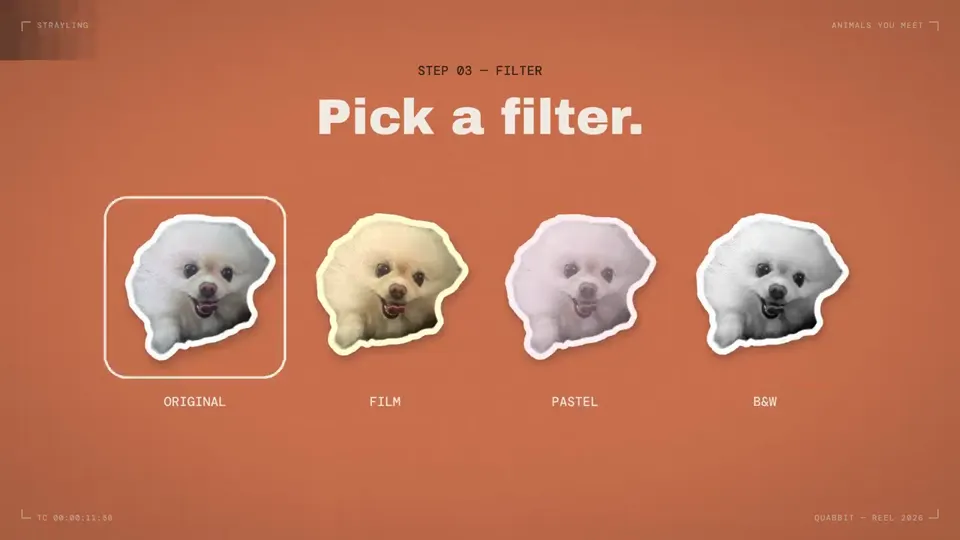
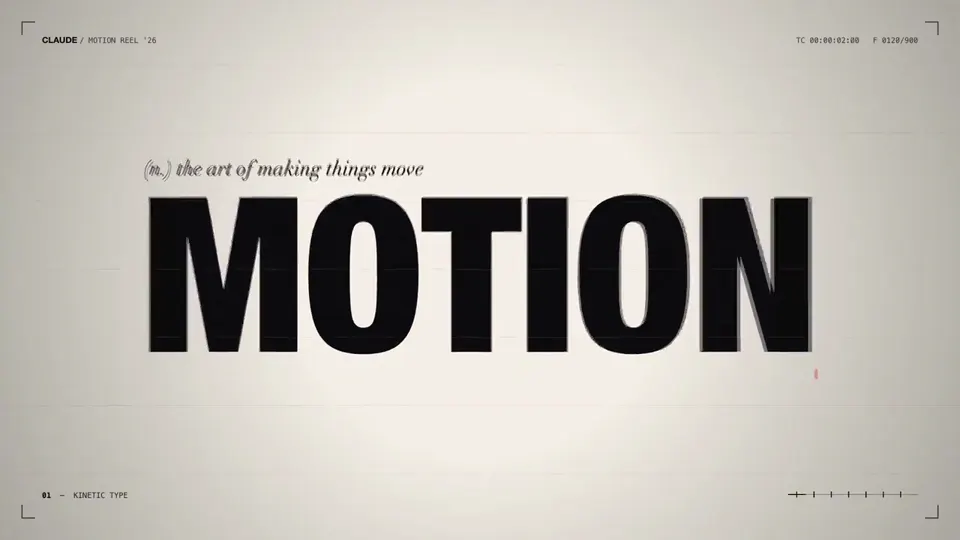
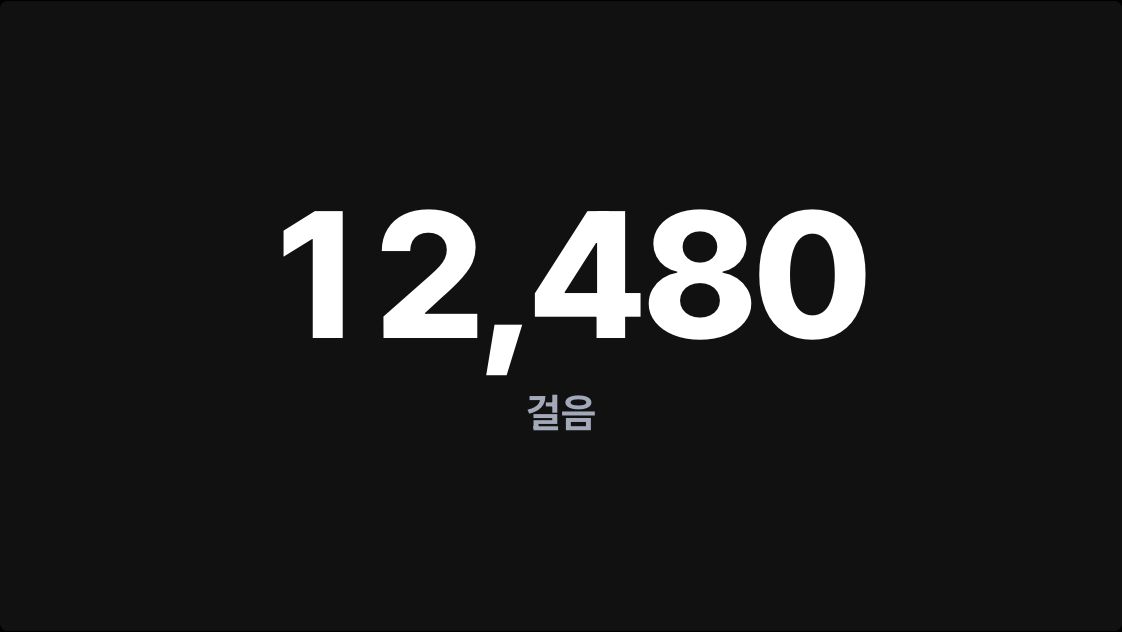
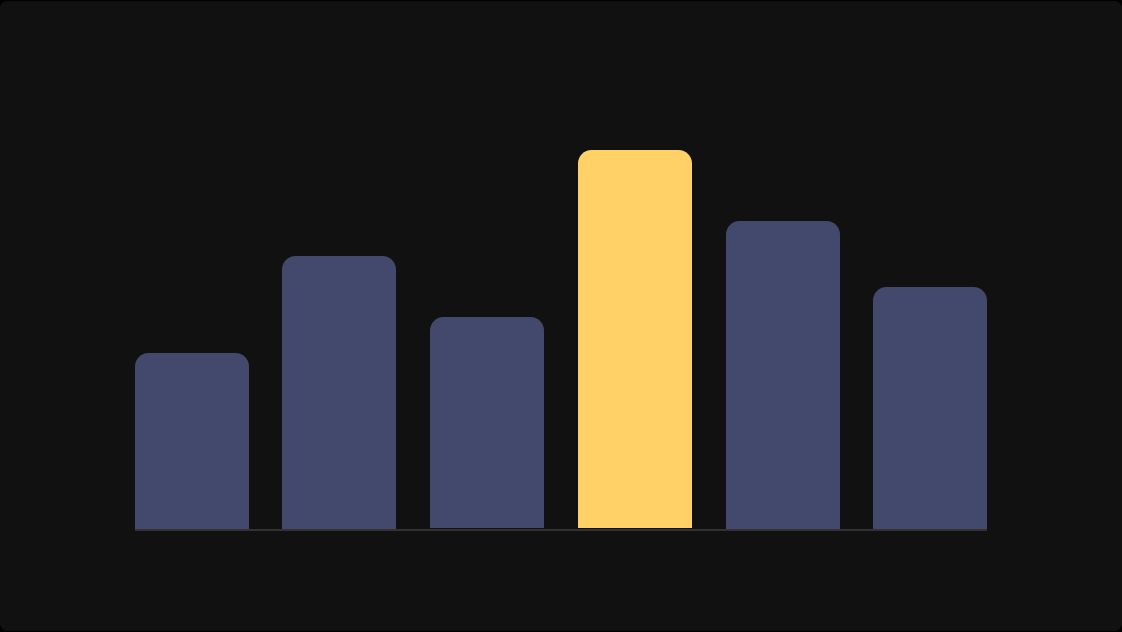
Nook(https://play.google.com/store/apps/details?id=com.quabbit.nook)을 조사해 줘. 네가 얼마나 뛰어난 모션 디자이너인지 보여 주는 Nook의 역동적인 40초 모션 그래픽 영상을 만들어 줘. 쇼릴처럼, 할 수 있는 건 다 해. 앱의 실제 화면(사진으로 채운 달력, 기분 색, 하루 기록)을 쓰고, 햄스터나 토끼 캐릭터 일러스트는 넣지 마.Research Nook (https://play.google.com/store/apps/details?id=com.quabbit.nook). Make a dynamic 40-second motion graphics video on Nook that shows what an incredible motion designer you are. like it's your showreel - Go all out. Use the app's real screens (calendar filled with photos, mood colors, daily record), and do not feature the hamster or rabbit character illustrations.출처 @ajith_io (제품 이름을 바꾸고 한 줄 추가)
사용법
- Claude 새 대화를 열어 프롬프트를 바꾸지 않고 넣어요.
- 사람이 손댄 것(광고용 조건 한 줄 추가)까지 똑같이 해요.
- 같은 프롬프트라도 모델과 날짜, 켜 둔 도구에 따라 결과가 달라져요.
과정
- Claude 새 대화에 프롬프트 한 줄을 그대로 넣었어요.
- 결과 형태: 16:9, 40초.
- 사람이 손댄 것: 광고용 조건 한 줄 추가.